One block is a surprisingly good starting point for a group project. Someone mines, someone builds the platform, and someone inevitably decides the island needs a castle. The best Minecraft OneBlock server for your group is the one whose progression, edition support and island rules fit the way you want to play. Our shortlist focuses on established networks with documented OneBlock modes: PikaNetwork, MineMalia and UltimisMC. Popularity helps us find candidates; the actual island rules decide which one fits your group.
Our selection
Established servers for different play styles.

PikaNetwork
A busy seasonal network
PikaNetwork combines the single-block start with the scale of an established multiplayer network. Its official September 2026 season announcement adds classes and outposts, while the joining guide describes island building and team progression. It is our first pick for friends who want shared goals and a fresh seasonal start, with other activities available when they take a break from their island.
Before you join
OneBlock is seasonal here: the team announced a reset for September 5, 2026. Choose it for a new progression cycle, and check what carries over before investing in a permanent build. The network advertises Java and Bedrock support; use its current joining instructions for your edition.
Java address: play.pika-network.net

MineMalia
Island economy and trading
MineMalia is an established name in OneBlock roundups, and its recently updated Minecraft-MP listing still advertises the mode. Quests, player warps, auctions and island progression give friends more to do than expand a platform. We would choose it for a Java group that enjoys building farms and turning a shared island into an economic project.
Before you join
The official OneBlock wiki dates from 2023, so confirm commands and progression in the current realm. We verified Java access and have not established a current official Bedrock route. Treat the network player count as context, not the number of people on your OneBlock island server.
Java address: play.minemalia.com

UltimisMC
Building with a competitive side
UltimisMC also appears in the earlier Pro Game Guides OneBlock roundup and remains listed with OneBlock in its September 2026 server information. Its official season guide describes island progression alongside building contests, an arena and bosses. It suits friends who want to build together but also enjoy competitive activities away from the island.
Before you join
The detailed announcement we found is from 2025, so its event schedule is historical. Check the current season before joining. That guide publishes play.ultimismc.com for Java and bedrock.ultimismc.com for Bedrock; follow current server help for the port and supported versions.
Java address: play.ultimismc.com
What is a Minecraft OneBlock server?
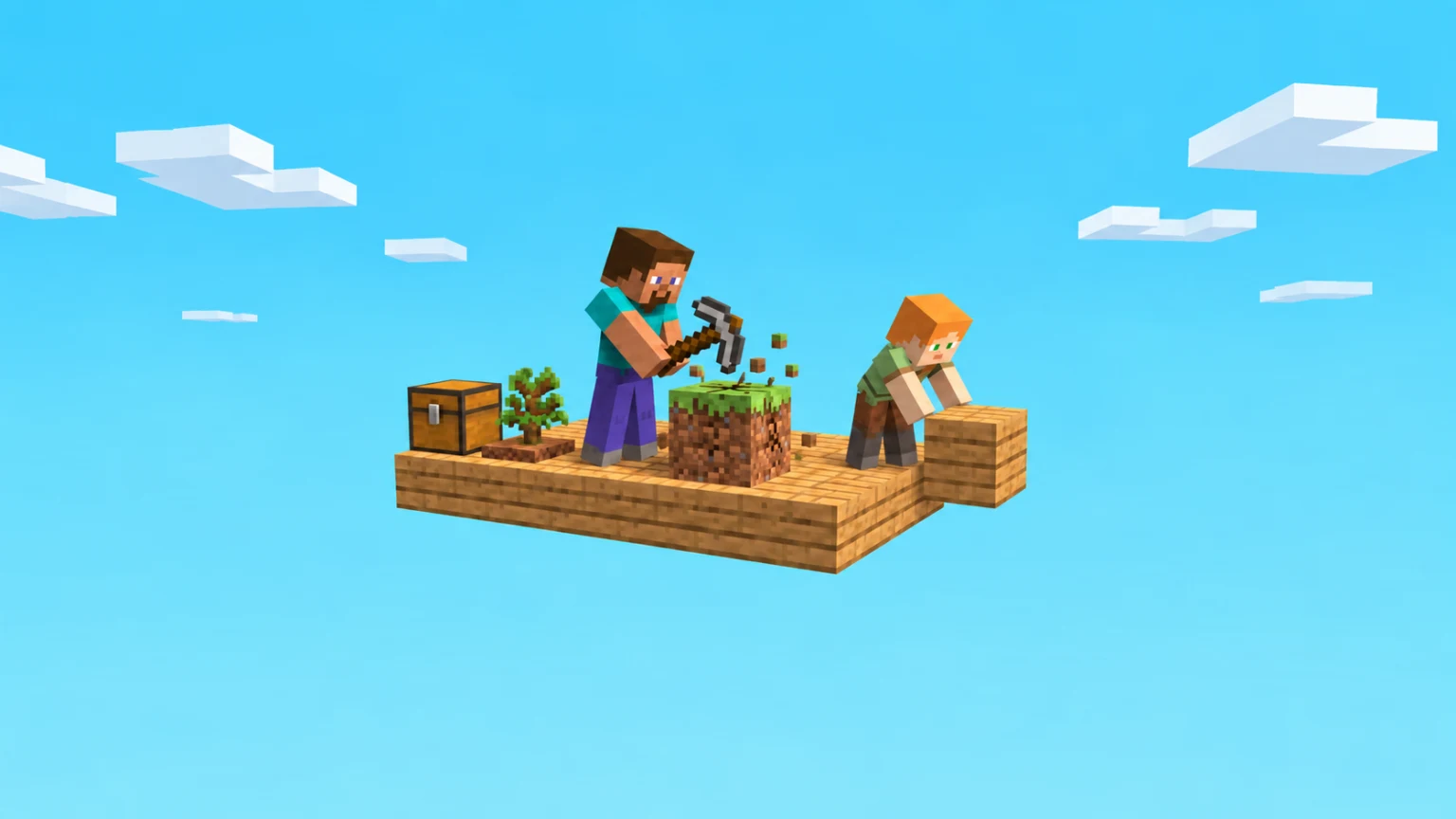
In the common OneBlock format, you begin above the void and mine a block that is replaced with new resources. As you progress, you turn a tiny platform into an island. The exact drops, phases and extra systems depend on the server. OneBlock is a game mode, not the name of one universal public server.
If a Minecraft challenge video brought you here, treat it as inspiration rather than a connection guide. Creator events may use private worlds or custom rules. None of the servers in this selection is presented as MrBeast's server or as affiliated with him.
Choose an island your whole group can enjoy
Start with practical constraints: everyone's edition, the language used in chat and help pages, and how often you expect to play. Then compare island member limits, permission controls and reset policies. A shared island is only useful if every friend can join it and understand what they are allowed to change.
Think about progression, too. Some groups enjoy a busy economy and a long list of objectives; others want a quiet building space. Read what purchases actually provide before spending money, and try the first session together before committing to a large project. Do not assume that a popular server will be the best fit for your particular group.
How to join a OneBlock server with friends
Use the server's official joining page for the address, supported versions and Bedrock port. Once connected, make sure everyone selects the same OneBlock realm: entering the same network is not always enough to meet in the same world.
- On Java, open Multiplayer, choose Add Server, and enter the published Java address.
- On Bedrock devices that offer Add Server, enter the Bedrock address and the port specified by the server. Console joining can require separate instructions.
- Choose one island owner, create the island using that server's help menu, and invite the other members with its documented command.
- Check building and storage permissions together. Agree on where shared resources go before starting a bigger project.
Common questions
Can Java and Bedrock players share a OneBlock island?
They can on a server that supports crossplay and allows both editions into the same OneBlock realm. Check the server's instructions and test the invitation flow with your group; a network-wide crossplay label is not a guarantee for every mode.
Is OneBlock the same as SkyBlock?
They are related island-survival formats. OneBlock usually centres on mining a regenerating block, while classic SkyBlock starts with a small island and limited supplies. Servers can customize either format, so compare the actual rules rather than relying on the label.
Do I need the same command on every server?
No. Island creation and invitations depend on the server's plugins. Use its current guide or in-game help instead of copying commands from an unrelated tutorial.
Sources & selection
Research checked on September 13, 2026. We compared published articles, server directories and official documentation. Reported network activity and editorial coverage informed the shortlist; mode compatibility and play style informed each recommendation. Network totals are not mode-specific player counts or audited unique players. The order is editorial, not a live leaderboard or paid placement. We did not play-test these servers or measure their uptime. Connection details and features can change; older sources are dated where relevant.
Header artwork is an editorial illustration, not a screenshot of a featured server.