
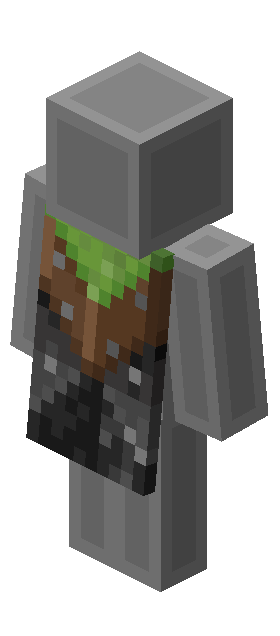
Explore Vanilla Cape, its original acquisition requirements and the editions where it belongs.
The story behind Vanilla Cape
The Vanilla Cape thanked players who owned Java Edition and Bedrock for Windows on the same account before June 6, 2022. Buying both editions now does not meet that historical requirement.
Can you still get it?
The original promotion has ended. You cannot earn this cape by completing its old tasks now. Existing owners can still equip it in a supported edition.
How to equip it
On Java Edition, open the Minecraft Launcher, choose Skins and edit the skin you use. Select the cape from the capes owned by your account, then save and launch the game.
On Bedrock Edition, sign in with the Microsoft account that owns the reward. Open Dressing Room, edit your character and choose the cape in the capes section.
If an owned cape is missing, check the account and edition, then restart the game and launcher. A cape image or a skin with the same pattern does not add an official cape to your account.
Common questions
Which editions support this cape?
The editions recorded for this model are: Java & Bedrock. Ownership in one edition does not automatically prove eligibility in another.
Does an old code still work?
Only a code covered by a valid official redemption period qualifies. An old promotion page or a seller’s listing does not extend the deadline.
Can I unlock it by changing my skin?
No. Official capes are separate account rewards. Copying the artwork onto a skin does not grant the cape or its elytra appearance.